

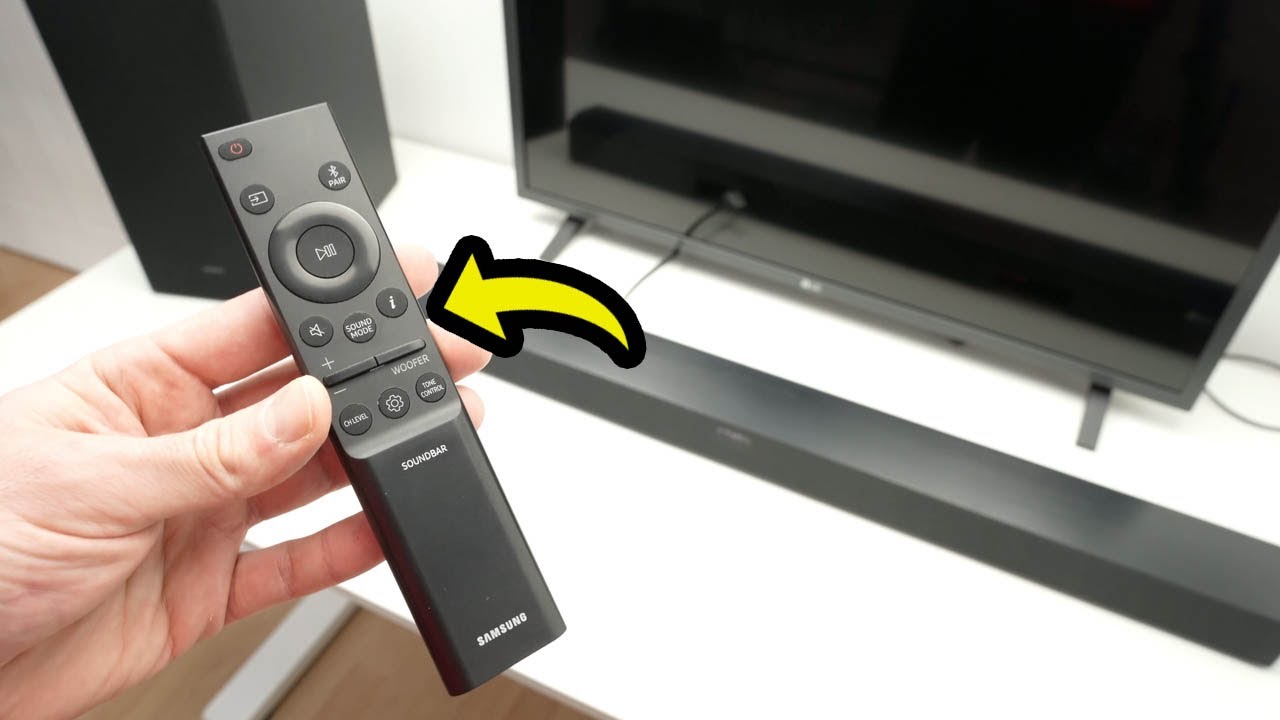
Here is step by step me explaining to you all the features of the Samsung Sound bar remote control has.
↓↓Amazon links↓↓
Same as the one used in this video:
►SAMSUNG HW-C450: https://amzn.to/3WwE8zx
If you want to upgrade to the next best samsung model:
►SAMSUNG HW-B550D 3.1 ch : https://amzn.to/4jxzRWc
Best top of the rage Samsung Soundbar:
►SAMSUNG HW-Q990C 11.1.4ch : https://amzn.to/3WwLwuC
► Replacement Remote for Samsung Sound Bar: https://amzn.to/4hw2Wzz
Great alternative from Bose:
►Bose New Smart Dolby Atmos Soundbar: https://amzn.to/4gbKoDQ
Another cheaper alternative from Yamaha
►Yamaha Audio SR-C20A: https://amzn.to/4hbP9yy
Amazing bluetooth boomboxes for your next party:
►200W Monster Rockin’ Roller Speaker: https://amzn.to/40GCfmf
►JBL Partybox 310: https://amzn.to/4hhBWno
The Amazon links above are affiliate, which means that I may get a small commission from them if you decide to buy something on their website. This is to support this channel 🙂
source


Thank you for your superb explanation of this frustrating remote. 2 years after buying this soundbar, I can finally use it properly. 😊
I was with you until you blew off the Channel Level Button. Anyone that's ever tuned a surround sound system knows you need to tweak the various speaker levels depending on where you are seated and how your speakers are mounted. Also, the ability to change the delay between speakers can be helpful when they aren't in the proper locations relative to the listener… IE the left rear speaker is further away than the right. Heck, you can adjust each individual speaker in the sound bar and rear speakers, that's pretty useful in my opinion.
Treble & Bass levels are on the 2 middle buttons too, functions are doubled up mon remote
Thanks a lot for your explanation and how to use the remote its been a month since we bought never use😅 it helps 😀❤❤
Thanks you didn't tell use what sync does in the settings button
Nice. Useful video. On my Samsung soundbar the display is always on. Can the display be turned off ?
What is the benefit on having a usb drive in the back of your sound bar?
I just out shed this exact model
Thank you bro 👌
My sound bar HW 400 F does not have a visual indication of what the settings are. There is a vocal response and flashing lights on the top of the Sound Bar. I find this difficult to know what the settings are.