

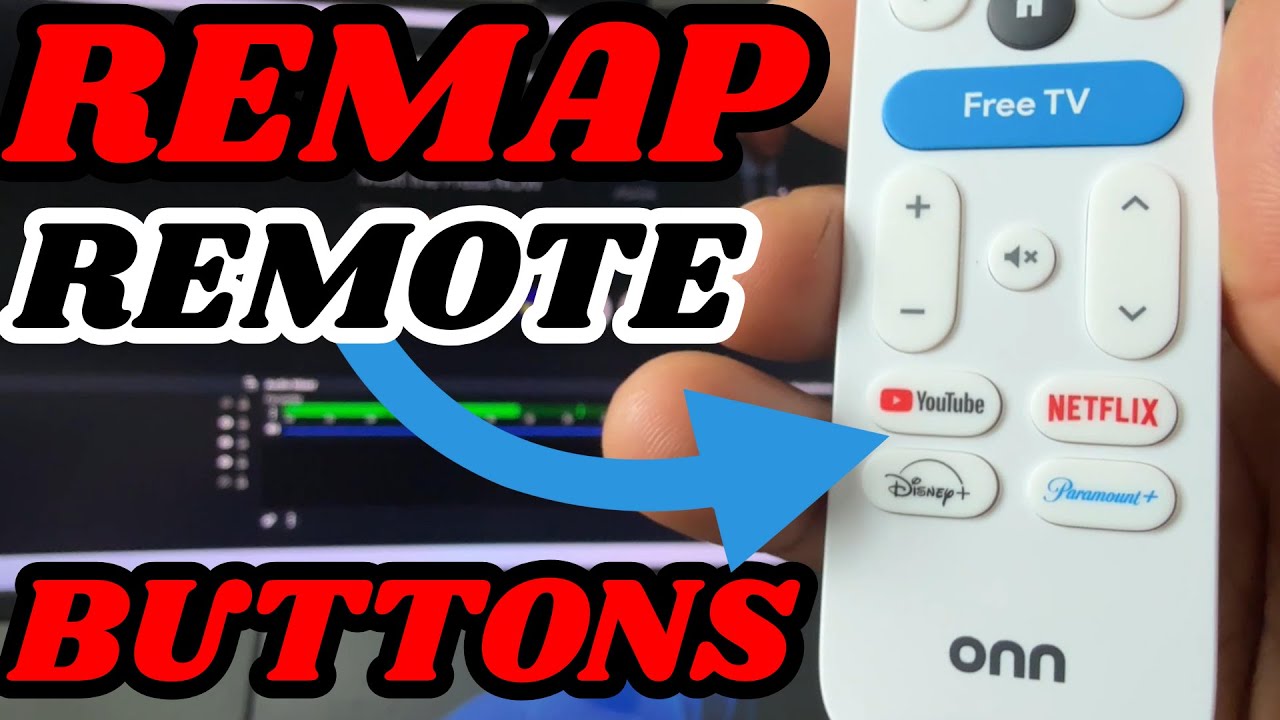
In this video, I’ll show you how to remap or customize the buttons on your Google TV remote — including for devices like the Onn 4K Plus, Onn 4K Pro, Google TV Streamer, and Chromecast with Google TV. Whether you want to launch your favorite app, open a specific setting, or disable a button, this tutorial has you covered!
✅ Works with:
Onn 4K Plus Streaming Box https://tinyurl.com/Onn4kplus
Onn 4K Pro Google TV Box https://shorturl.at/noMPZ
Google TV Streamer https://amzn.to/43zm3U9
Nvidia Shield TV https://amzn.to/4mG1qyo
Nvidia Shield TV Pro – https://amzn.to/3Z5wCNn
📲 What You’ll Learn:
How to install Button Mapper
How to assign new functions to Netflix, YouTube, or other app buttons
🔔 Subscribe for more Google TV tips, streaming device reviews, and tech how-tos!
👍 Like & Comment if this helped you out!
_________________________________________________________________________________________________
VPN DEALS / IPVanish- https://affiliate.ipvanish.com/SH18 / NORD VPN – https://nordvpn.com/TripleM
_________________________________________________________________________________________________
Check out my Amazon Store for more Gadgets: www.amazon.com/shop/influencer-f3534698
====================================================================
Join this channel to get access to perks:
https://www.youtube.com/channel/UCfiZzwbPTOw8MCQfyxES43A/join
_________________________________________________________________________________________________
_________________________________________________________________________________________________
FOR BUSINESS INQUIRIES
_________________________________________________________________________________________________
Email: trplmm3@gmail.com
Instagram: https://www.instagram.com/triplem3/
Twitter: https://twitter.com/TripleMPC
Follow me on Facebook: https://www.facebook.com/TripleMPC
_________________________________________________________________________________________________
#firetv #androidtv #streaming #shield tv #android
source


The one thing all of these stupid streaming devices lack that seems so simple to me is a simple input change button I get tired of having to tell Alexa to switch TV input or having to walk up and change my TVs input there should be a button on these devices remotes
How you fix the display size? Thanks
Great review of a great app! I used it to remap my home button to open Projectivy launcher. If I need to get to the google home screen for any reason, I can still use the live tv button.
really cool…thank you
Besides remapping another plus over the fire stick is Onn comes with the remote finder feature along with backlit. As far as I know you'll have to buy an extra fire stick remote for $30 to have this feature.
Nice!! 👍🏾👊🏾✊🏾🙂💯
This video helped me customize my Home button to go to Projectivity Launcher instead of default Google Home screen. I have Onn Pro (2025). I now have an ad free home screen. Thanks so much!