

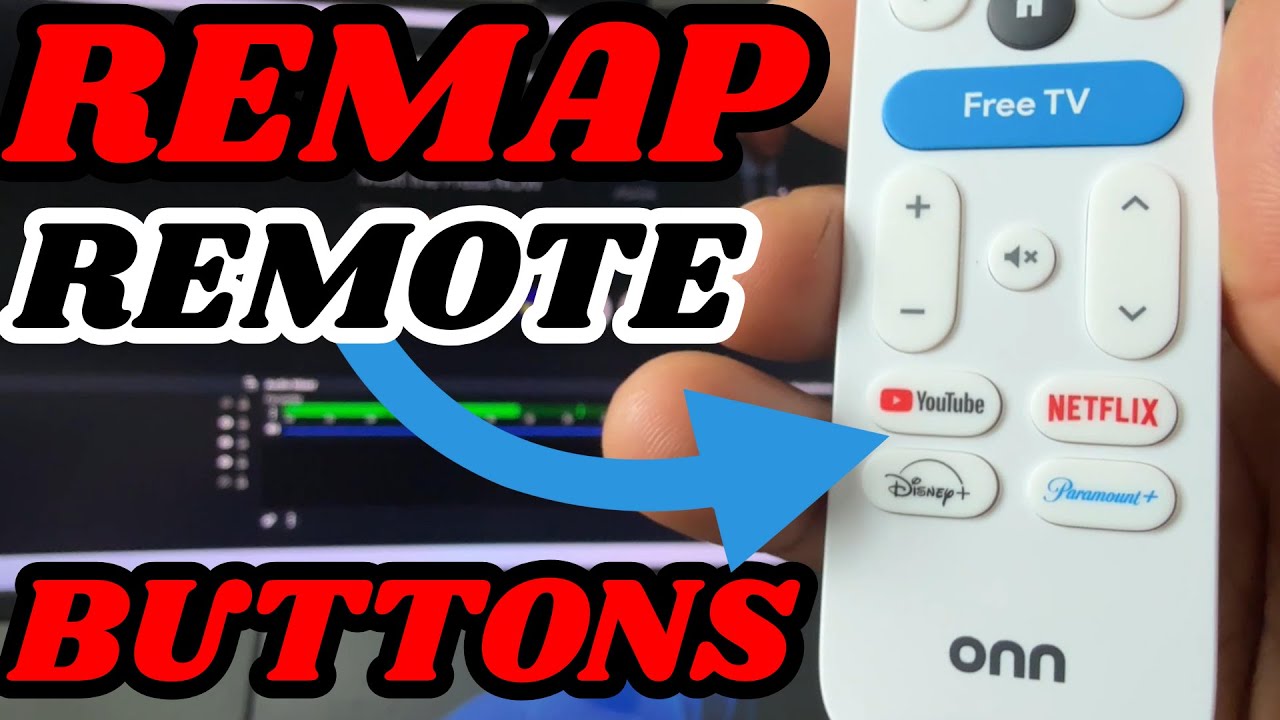
In this video, I’ll show you how to remap or customize the buttons on your Google TV remote — including for devices like the Onn 4K Plus, Onn 4K Pro, Google TV Streamer, and Chromecast with Google TV. Whether you want to launch your favorite app, open a specific setting, or disable a button, this tutorial has you covered!
✅ Works with:
Onn 4K Plus Streaming Box https://tinyurl.com/Onn4kplus
Onn 4K Pro Google TV Box https://shorturl.at/noMPZ
Google TV Streamer https://amzn.to/43zm3U9
Nvidia Shield TV https://amzn.to/4mG1qyo
Nvidia Shield TV Pro – https://amzn.to/3Z5wCNn
📲 What You’ll Learn:
How to install Button Mapper
How to assign new functions to Netflix, YouTube, or other app buttons
🔔 Subscribe for more Google TV tips, streaming device reviews, and tech how-tos!
👍 Like & Comment if this helped you out!
_________________________________________________________________________________________________
VPN DEALS / IPVanish- https://affiliate.ipvanish.com/SH18 / NORD VPN – https://nordvpn.com/TripleM
_________________________________________________________________________________________________
Check out my Amazon Store for more Gadgets: www.amazon.com/shop/influencer-f3534698
====================================================================
Join this channel to get access to perks:
https://www.youtube.com/channel/UCfiZzwbPTOw8MCQfyxES43A/join
_________________________________________________________________________________________________
_________________________________________________________________________________________________
FOR BUSINESS INQUIRIES
_________________________________________________________________________________________________
Email: trplmm3@gmail.com
Instagram: https://www.instagram.com/triplem3/
Twitter: https://twitter.com/TripleMPC
Follow me on Facebook: https://www.facebook.com/TripleMPC
_________________________________________________________________________________________________
#firetv #androidtv #streaming #shield tv #android
source


Problem i noticed is when i close out all apps with the tduk app killer you have to go back in and enable button mapper
Edit: So I decide to bind the Channel Up button to Play/Pause instead and that seems to work just fine. Then I bound Ch down to Hulu and Free TV to Plex. The Free TV button sometimes throws the "hey do you wanna remap this key?" screen at me (like for the actual customizable button) but then it will go to Plex, or worst case I press it again and it goes to Plex. Huzzah.
Sadly it didn't work for me. I wanted to remap the "Live TV" button to just be a play/pause button, which the software seems to want to do, but whenever I press the "Live TV" button it instead opens a menu asking me if I want to remap the Live TV button the same way you can remap the custom button. There might be a use case for that, but sadly I JUST want a play/pause button. I know you can pair Firestick etc remotes via bluetooth, but they are super unreliable for me.
Either way, great video. Thanks for sharing.
I use bloetooth mouse in this device but the mouse cant click to type on google chrome ?
Appreciate the video… it was easy to follow and to the point
Bruv when I go to add button and click on the button it's taking that action instead of detecting the button i.e if I click the Disney+ button it's taking me to Disney+ instead of button mapper adding that button
Long press will still bring me to those buttons if pressed long enough even after remapping.
Yea i always thought this was prob possible on android but never looked for it and thought we be awsome to remap the app buttons. And what whay u know its awsome. I love the Onn 4k plus Google TV device too. It's easily my most recommended TV streaming device. Its cheap and now with the plus model is better than Google own imo. The non plus used to be solid but the plus is dope at only 10 more. The Pro is cool too of you needed a speaker and few extra beef features but the Plus os greay sweet spot. Seems like ur using the same. Also love how you can do double press and shit too with this appl.
its a paid feature now
Thanks so much for this! A Google search brought me here and you taught me how to do this.